
Paperless with local AI
Around 1,450 documents – invoices, contracts, payslips – sorted by a language model running at home on a mini PC without a graphics card. Not a single document leaves the house.
- Date
Built with AIIdea, requirements and testing: me. Code: AI.
- paperless-ngx
- ollama
- gemma 3
- local ai
- homelab
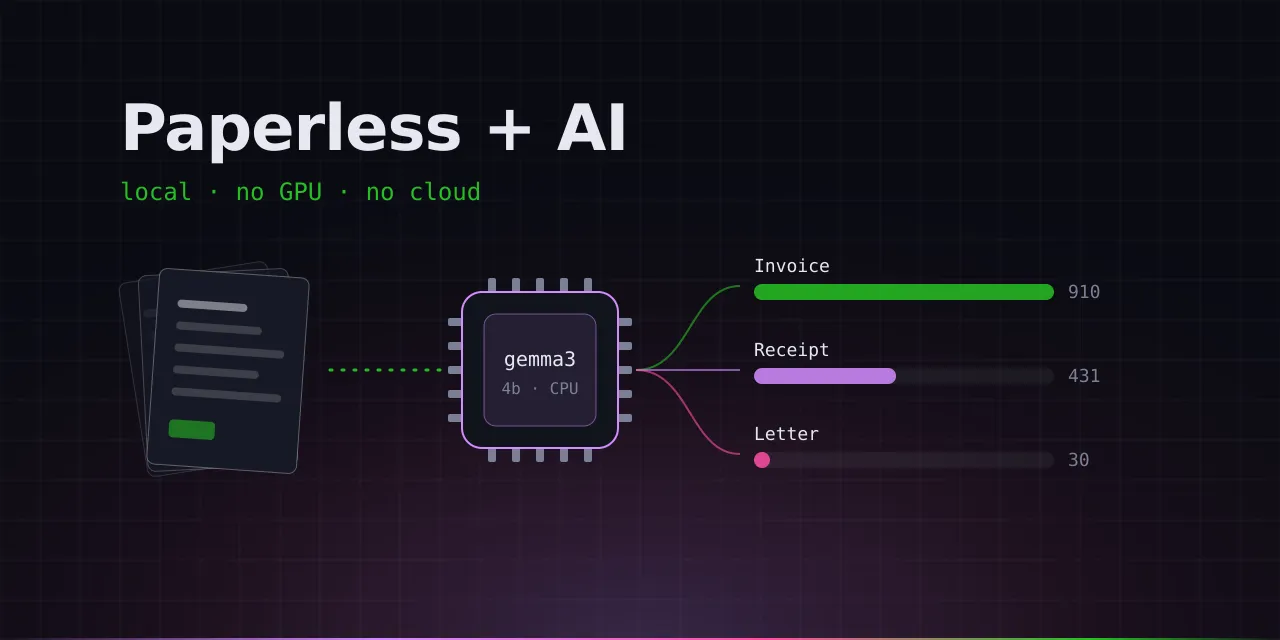
// try it
Drag a document onto the chip (or tap it). The model thinks at its real speed.
Every piece of paper in our home ends up in Paperless, scanned or straight from the mailbox. Around 1,450 documents for two people. The archive was there, it just wasn’t tidy.
The problem
Paperless sorts new documents with a small method that learns from examples. I barely had any. Of 1,447 documents, 1,369 had no tag at all, 95 % were filed as “invoice”, and some senders existed three times with slightly different spellings.
The idea
A language model doesn’t need examples. It reads the document and understands what it’s about. But I’m not sending my payslips and contracts to a cloud service. So the model runs at home: Gemma 3 with four billion parameters via Ollama, on a mini PC without a graphics card.
That’s slow. Classifying a document takes one to two minutes, a question to the chat about a minute. For an archive that gets sorted quietly at night, that doesn’t matter. And the regular search is as fast as ever.
What the model taught me
A small model doesn’t always do what it’s told. Three examples:
- “Banking & finance” ended up on all five test documents. Phone bill, car lease, Steam purchase, McDonald’s: to the model every payment was “finance”. Since then every tag has a clear boundary, otherwise the model fills the gap with ideas of its own.
- Two tags per document were one too many. The first was almost always right, the second often just “something similar”. Now there’s exactly one. A missing tag takes me seconds to add, a wrong one I’d have to find first.
- Order confirmations turned into letters, even though the instructions explicitly said to count them as invoices. The model simply had an opinion: an invoice asks for money, an order confirmation doesn’t. Honestly, it had a point. Now there are three trays: invoice (money is requested), receipt (already paid) and letter (everything else). The mix-up is gone.
The result
One pass over the entire archive, only at night, so the same machine isn’t under full load while we’re watching TV in the evening. Afterwards every document had a tag, 357 document types were corrected, and 598 senders were merged down to 407. New documents are now classified by Paperless as they arrive.
On top of that there’s a chat across the whole archive. Questions like “When does my phone contract end?” get answered from my own paperwork, including a link to the matching document.